

 English
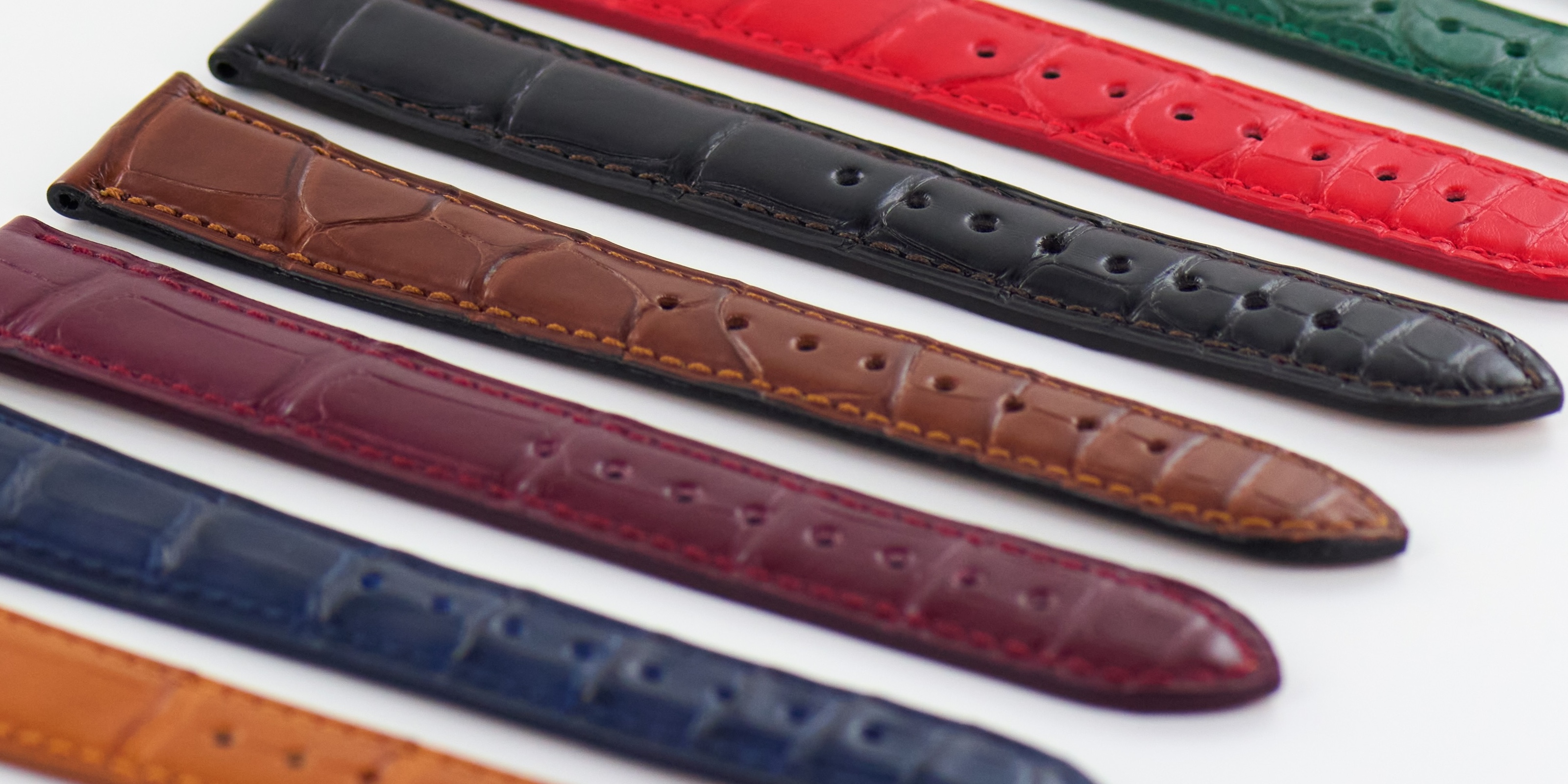
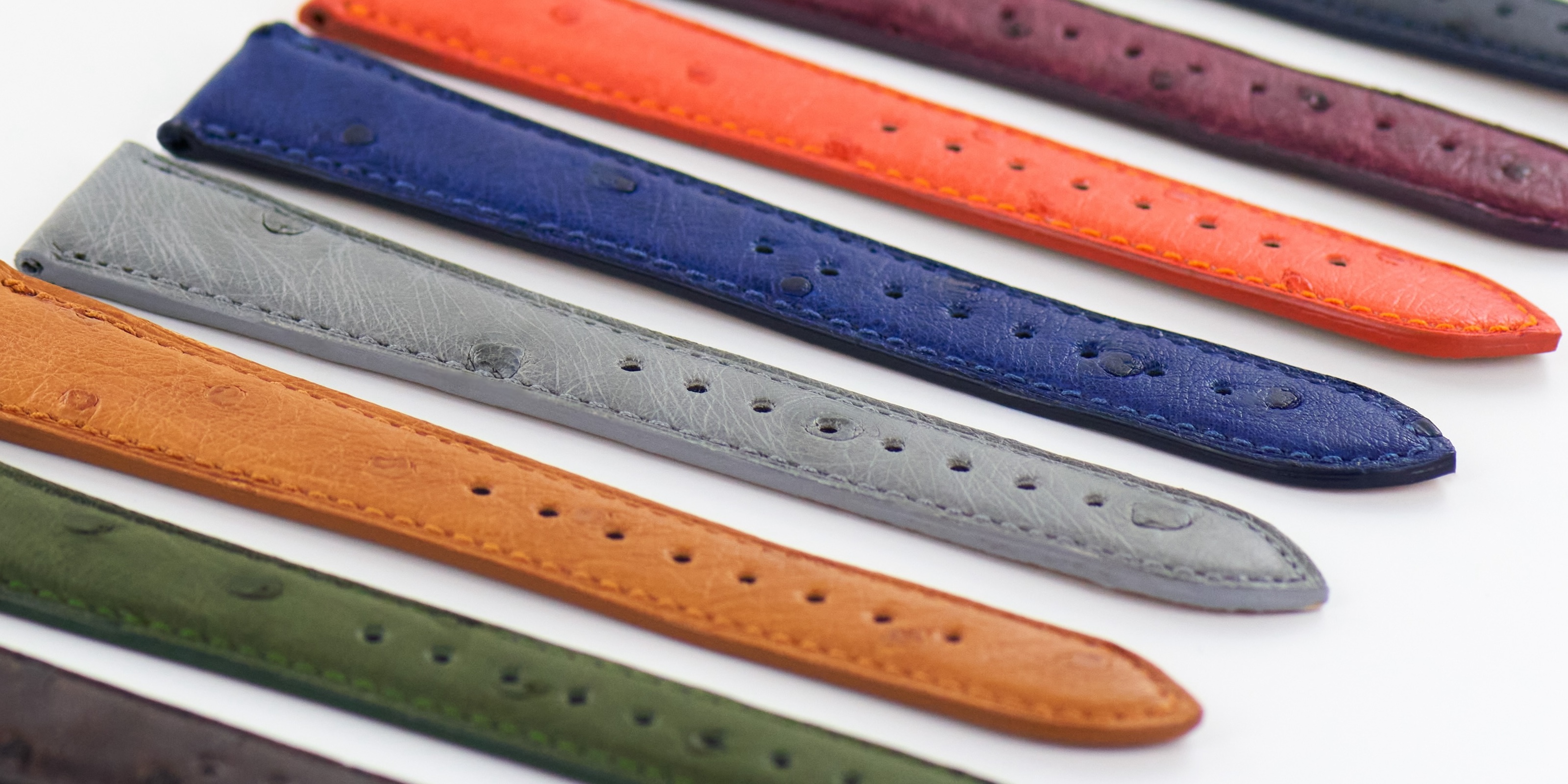
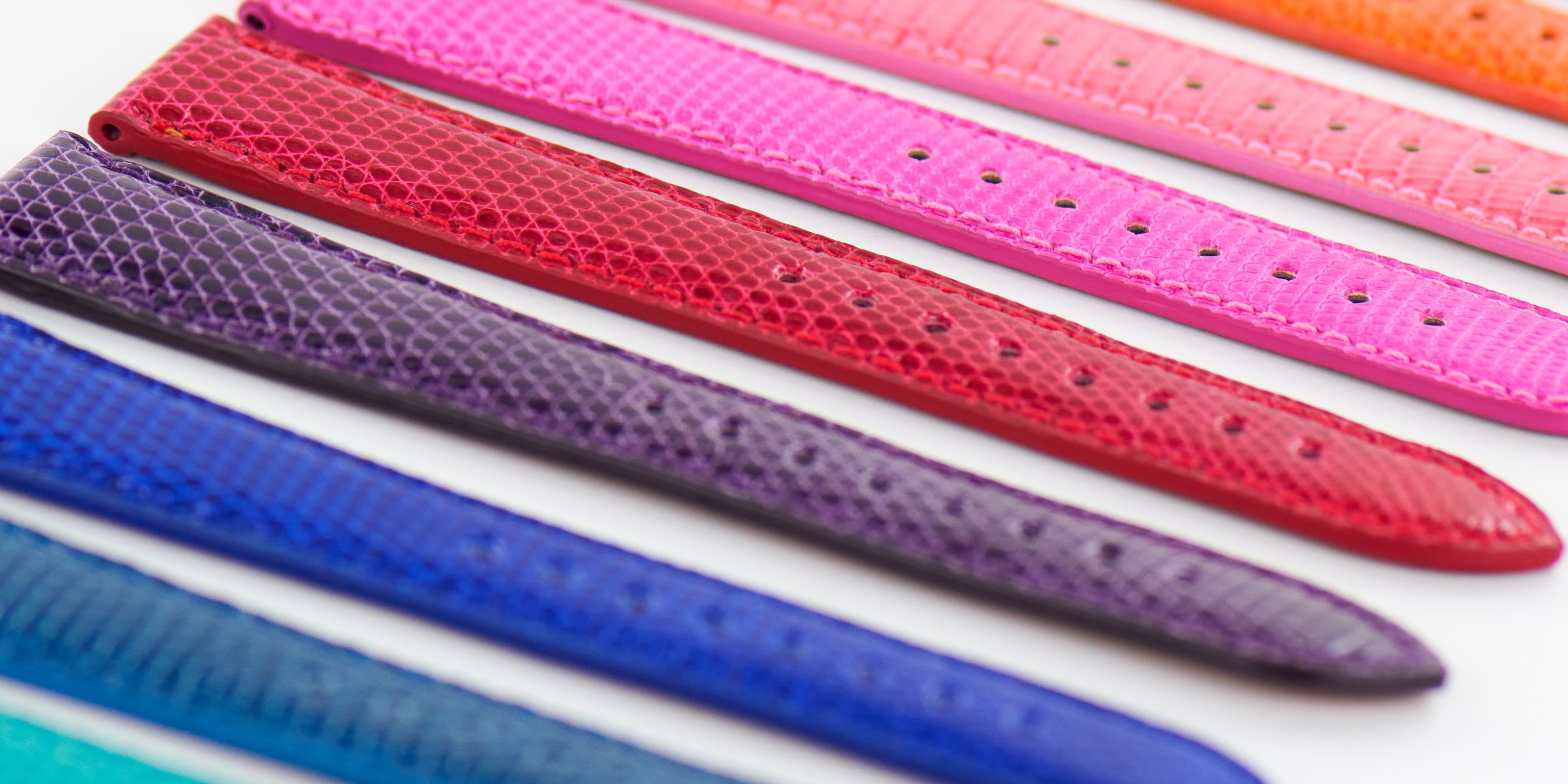
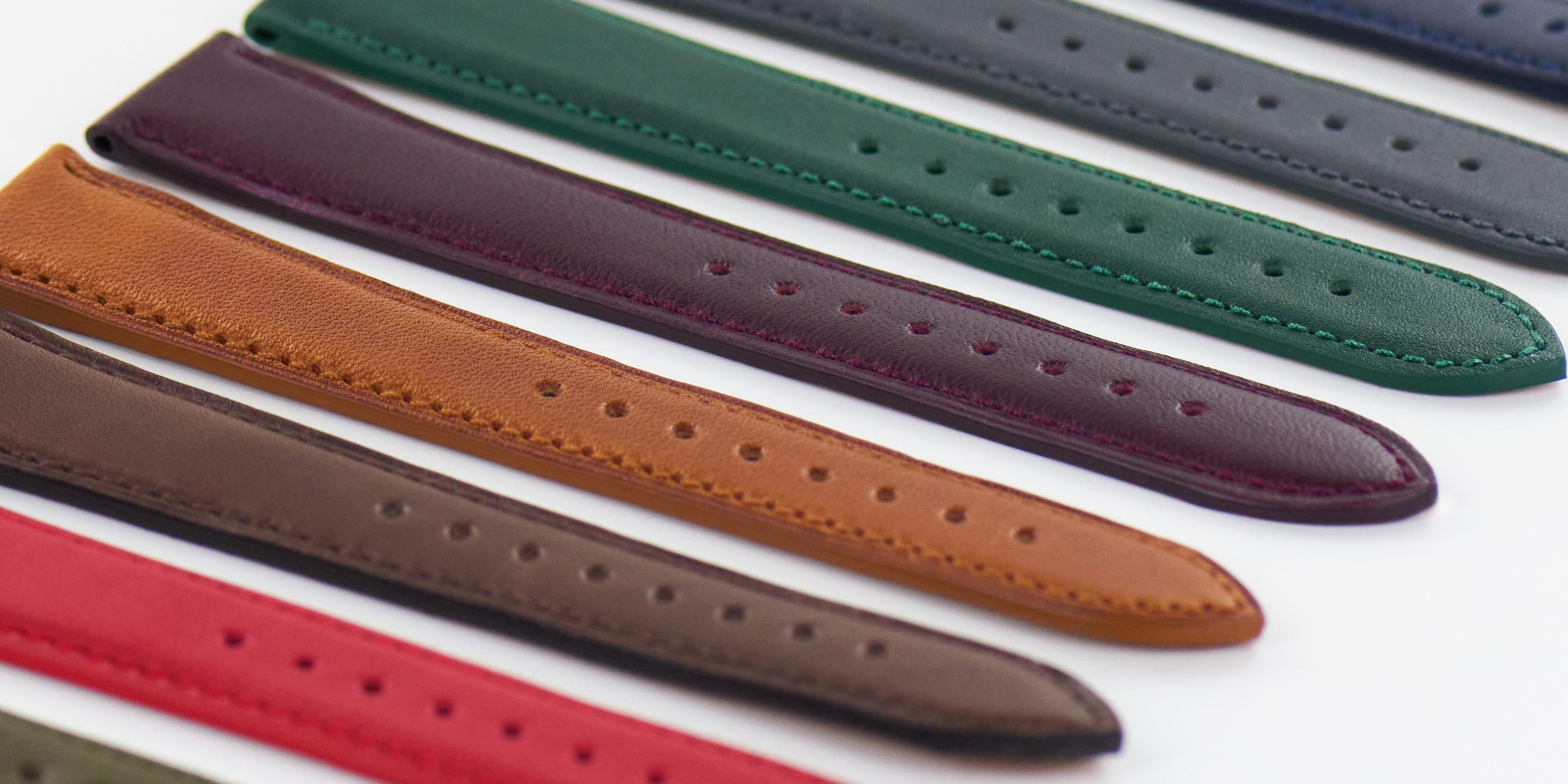


















In this quick and easy tutorial, learn how to install and remove an Apple Watch band in just a few seconds, without any tools.
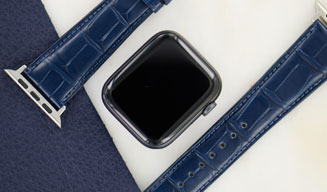
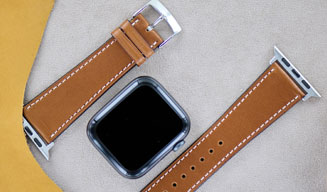
This video provides a step-by-step guide to easily changing the band on your watch, whether it’s an Apple Watch Series 1 through 11, SE, or Ultra.
✔️ Tutorial steps:
- Check the size and version of your Apple Watch (listed on the back of the watch).
- Installing the band:
- Insert the Apple Watch adapter into the slot provided.
- Position the band on both sides of the case.
- Removing the band:
- Press the unlock button located on the back of the watch.
- Deactivate the internal magnet and slide the band to release it.
- These tips also apply to the Apple Watch Ultra.
- Quick, easy, and secure strap replacement to customize your watch however you like.
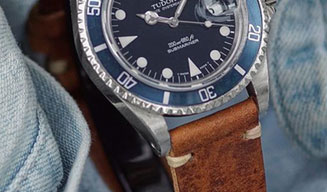
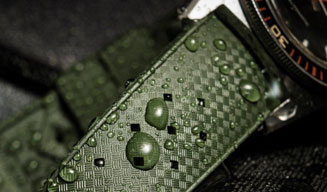
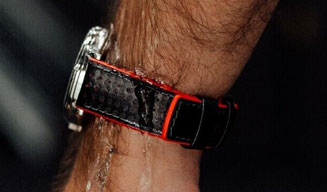
This guide is perfect for anyone who wants to easily change their Apple Watch strap—whether it’s leather, rubber, or fabric.
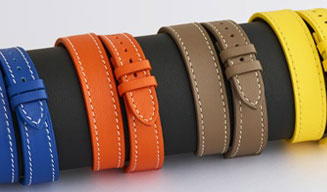
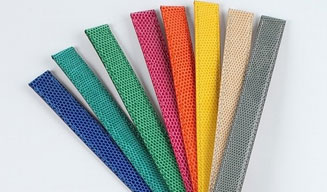
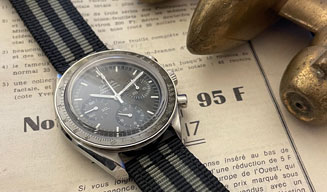
At Compagnie Bracelet Montre, we offer a wide selection of watch bands compatible with all watch brands and styles.


